 thingiverse
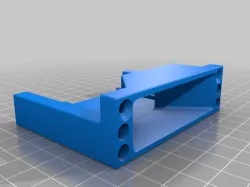
Zero+ Filter
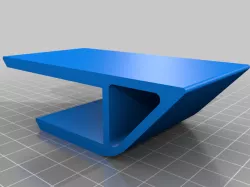
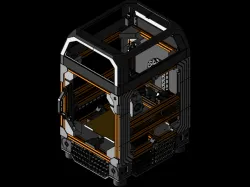
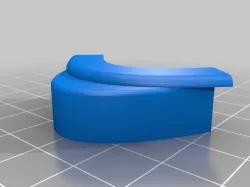
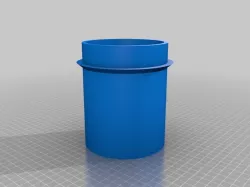
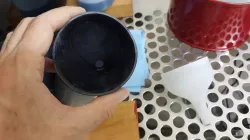
In the process of building my Micron+ I realized the Zero Filter which works with the original (120x120) Micron does not fit the Micron+ with a 180x180 bed. So I took inspiration from the printed parts in front of me and made this.
Zero Filter - https://github.com/zruncho3d/zerofilter
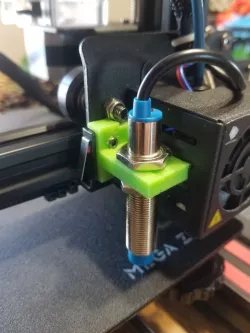
Requires (2) M4 washers at each of the bed mounting points to raise the bed. I also had to shift the brash bushing in my Z Endstop housing as far up as it could go while still being seated properly to get the Z endstop slightly above the bed level.
Solidworks file included if you wish to modify. I apologize but I havent taught myself assemblies yet purely out of laziness so, all parts were design in one Solidworks part file.
Direct link to the original creator's page
Also Available On
More from eddiesha4
Similar Models

Model Specifications
Frequently Asked Questions
How do I download Zero+ Filter?
Click the "View on thingiverse" button above to visit the original model page on thingiverse. You can download the STL file directly from the creator's page for free.
What 3D printer can I use for this model?
This STL file is compatible with most FDM 3D printers (Creality Ender 3, Prusa MK3S+, Bambu Lab, etc.) and resin printers (Elegoo, Anycubic). Check the original page for recommended print settings and materials.
Is this 3D model free to download?
Yes, this model is available as a free download on thingiverse. Some creators accept tips or donations.
Can I modify this STL file?
Most STL files can be modified using free software like Blender, TinkerCAD, or Meshmixer. Check the license on the original thingiverse page to see if modifications are permitted by the creator.