 thingiverse
Snap-On Logo
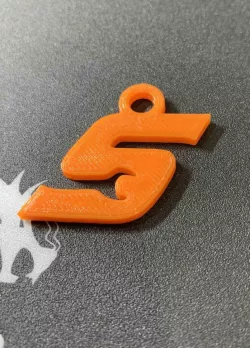
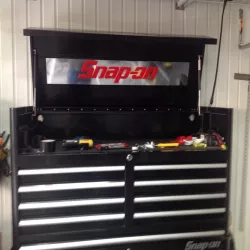
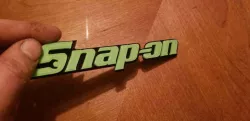
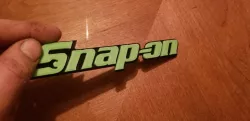
I traced the Snap-On logo for a class project. I then press fit it into a piece of wood I ran on the CNC. I thought you guys might like to have the logo for your own projects.
Scale and print appropriately for your own needs. I included a step(.stp) file incase you wanted to change something/remix and included two .dxf files if you wanted to cut out the logos to inlay.
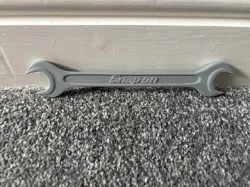
*Note the "Just S" .stl has been modified to nicely fit in an inlay while the Snap-on logo/wrench will need press fit in with a hammer. Place flat piece of wood on top of ONE letter at a time to act as a buffer before hitting!
*The "Just S" file is actually a slightly different, larger trace than the full logo. It is also offset 0.05" from the .dxf so it fits nicely as an inlay. It is also only 0.125" thick instead of 0.25" like the logo and wrench
I will upload a picture of the final product once I get my project painted with clear coat
Direct link to the original creator's page
More from farmkid87
Similar Models



Model Specifications
Frequently Asked Questions
How do I download Snap-On Logo?
Click the "View on thingiverse" button above to visit the original model page on thingiverse. You can download the STL file directly from the creator's page for free.
What 3D printer can I use for this model?
This STL file is compatible with most FDM 3D printers (Creality Ender 3, Prusa MK3S+, Bambu Lab, etc.) and resin printers (Elegoo, Anycubic). Check the original page for recommended print settings and materials.
Is this 3D model free to download?
Yes, this model is available as a free download on thingiverse. Some creators accept tips or donations.
Can I modify this STL file?
Most STL files can be modified using free software like Blender, TinkerCAD, or Meshmixer. Check the license on the original thingiverse page to see if modifications are permitted by the creator.