 Thingiverse
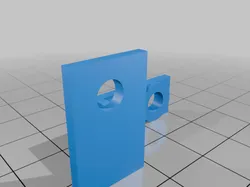
Macintosh SE HD activity LED holder
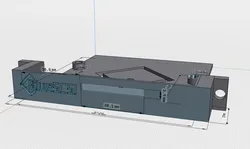
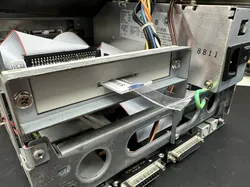
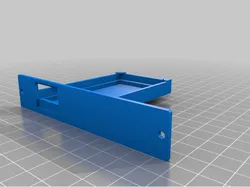
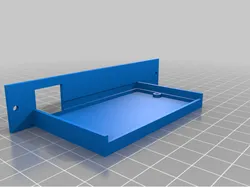
My Mac SE has a blueSCSI in place of a spinning hard drive. With no way to place an activity LED, I came up with this little thing. It screws into the chassis using the existing screw that holds the chassis to the front face case plastics, to hold an LED just behind the upper drive bay light window. This screw is located at the top left of the chassis, as you look at the inside of the machine from the back. In line with the PDS slot, and below the CRT opening in the case. This holds a standard 5mm round LED.
Direct link to the original creator's page
More from Point5tv


Similar Models
 Printables
 Printables
 Printables
 Printables
 Printables
 Thingiverse
 Thingiverse
 Thingiverse
Model Specifications
Frequently Asked Questions
How do I download Macintosh SE HD activity LED holder?
Click the "View on Thingiverse" button above to visit the original model page on Thingiverse. You can download the STL file directly from the creator's page for free.
What 3D printer can I use for this model?
This model is compatible with most FDM 3D printers (Creality Ender 3, Prusa MK3S+, Bambu Lab, etc.) and resin printers (Elegoo, Anycubic). Check the original page for recommended print settings and materials.
Is this 3D model free to download?
Yes, this model is available as a free download on Thingiverse. Some creators accept tips or donations.
Can I modify this file?
Check the license (see original page) on the original Thingiverse page. Most STL files can be modified using free software like Blender, TinkerCAD, or Meshmixer.