 Thingiverse
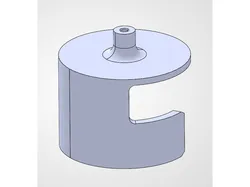
e36 Cut-a-Strut Centering Jig
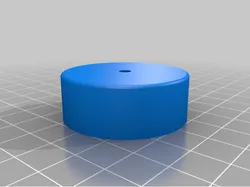
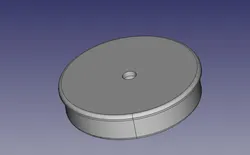
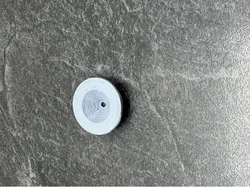
Struggling to find the center of your shock to install a koni insert? Use this! Latch this on to find the center of the hole so you can install the retaining screw for your shock insert. I recommend installing a drill bit or centerpunch to mark the metal and drill with the jig removed. Designed for use on a NASA Spec3 race car.
Direct link to the original creator's page
More from jaku_92
Similar Models
 Thingiverse
 Thangs
 Thingiverse
 Thingiverse
 Thingiverse
 Printables
 Thingiverse
 Thingiverse
Model Specifications
Frequently Asked Questions
How do I download e36 Cut-a-Strut Centering Jig?
Click the "View on Thingiverse" button above to visit the original model page on Thingiverse. You can download the STL file directly from the creator's page for free.
What 3D printer can I use for this model?
This model is compatible with most FDM 3D printers (Creality Ender 3, Prusa MK3S+, Bambu Lab, etc.) and resin printers (Elegoo, Anycubic). Check the original page for recommended print settings and materials.
Is this 3D model free to download?
Yes, this model is available as a free download on Thingiverse. Some creators accept tips or donations.
Can I modify this file?
Check the license (see original page) on the original Thingiverse page. Most STL files can be modified using free software like Blender, TinkerCAD, or Meshmixer.