 grabcad
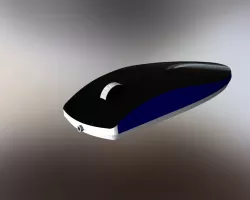
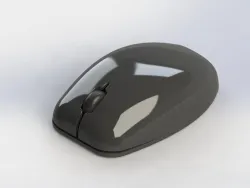
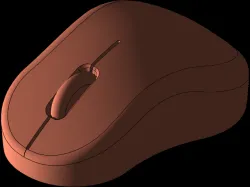
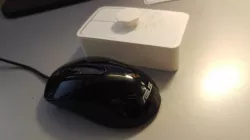
Mouse
The mouse allows an individual to control a pointer in a graphical user interface (GUI) and manipulate on-screen objects such as icons, files, and folders. By using a mouse the user doesn't have to memorize commands, like those used in a text-based command line environment such as MS-DOS. For example, in MS-DOS a user would have to know the cd command and dir command to navigate to a folder and view the files. However, in Windows the user only has to double-click on the folder to view all the files.
The Mouse was originally referred to as an X-Y Position Indicator for a Display System. Xerox later applied the mouse to its revolutionary Alto computer system in 1973. However, because of Alto's unfortunate success, it was first widely used in the Apple Lisa computer. Today, a pointing device is found on virtually every computer.
Direct link to the original creator's page
Also Available On
More from zandi


Similar Models



Model Specifications
Frequently Asked Questions
How do I download Mouse?
Click the "View on grabcad" button above to visit the original model page on grabcad. You can download the STL file directly from the creator's page for free.
What 3D printer can I use for this model?
This STL file is compatible with most FDM 3D printers (Creality Ender 3, Prusa MK3S+, Bambu Lab, etc.) and resin printers (Elegoo, Anycubic). Check the original page for recommended print settings and materials.
Is this 3D model free to download?
Yes, this model is available as a free download on grabcad. Some creators accept tips or donations.
Can I modify this STL file?
Most STL files can be modified using free software like Blender, TinkerCAD, or Meshmixer. Check the license on the original grabcad page to see if modifications are permitted by the creator.