 CrealityCloud
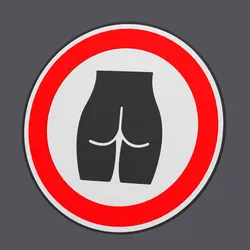
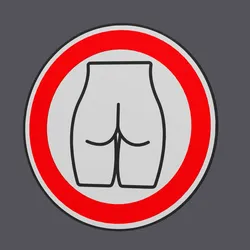
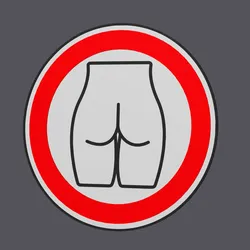
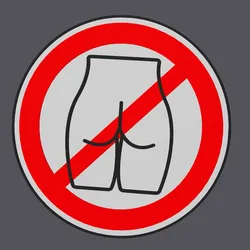
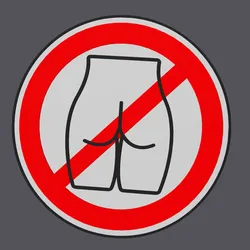
Home Decorations & Ornaments STL indir - Female Hips/Butt - Traffic Sign Forbidden - Wall Art v1.2 - studio WES
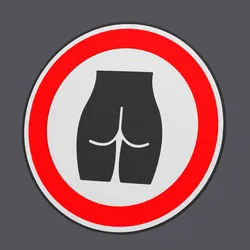
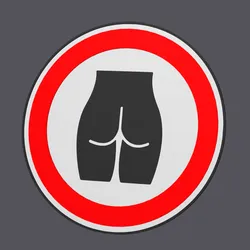
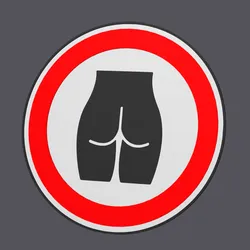
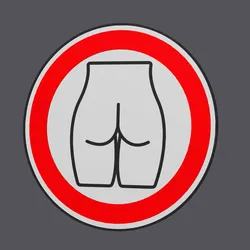
Design ConceptThis unique wall art piece is a creative blend of traffic sign aesthetics with the feminine silhouette, tailored for art enthusiasts who appreciate humor and novelty in home decoration.PurposeThe model is perfect for adding a humorous touch to walls or implementing in a themed art collection, possibly focusing on the confluence of road safety signals and modern design.Printing SuggestionsTo achieve the best quality, use a fine-layer 3D printing setting. Consider using filament in red, white, and black to enhance the traffic sign look. Print settings XBP000002WAF2Printsize: ⌀ 23,0 x 0,2 cmNozzle: 0,4 mmLayer height: 0,2 mmPrinting time: 285 minutesFilament needed (incl waste): 88 gWalls: 2 to 3Infill: 15 to 25%Assembly InstructionsNo assembly is required as it is a single-piece wall art décor item. Ensure to secure it adequately to the wall using standard picture hanging kits.Copyright informationAll STUDIO WES. designs and files are for personal use only. Unauthorized resale of these digital files is illegal and subject to legal action. Respecting this copyright policy protects intellectual property and supports the creators and the integrity of the 3D printing community.
Direct link to the original creator's page
More from studio WES
 CrealityCloud
 CrealityCloud
 CrealityCloud
 CrealityCloud
 CrealityCloud
 CrealityCloud
Similar Models
 CrealityCloud
 CrealityCloud
 CrealityCloud
 CrealityCloud
 CrealityCloud
 CrealityCloud
 CrealityCloud
 CrealityCloud
Model Specifications
Frequently Asked Questions
How do I download Home Decorations & Ornaments STL indir - Female...?
Click the "View on CrealityCloud" button above to visit the original model page on CrealityCloud. You can download the STL file directly from the creator's page for free.
What 3D printer can I use for this model?
This model is compatible with most FDM 3D printers (Creality Ender 3, Prusa MK3S+, Bambu Lab, etc.) and resin printers (Elegoo, Anycubic). Check the original page for recommended print settings and materials.
Is this 3D model free to download?
Yes, this model is available as a free download on CrealityCloud. Some creators accept tips or donations.
Can I modify this file?
Check the license (see original page) on the original CrealityCloud page. Most STL files can be modified using free software like Blender, TinkerCAD, or Meshmixer.