 thingiverse
GPU Support adjustable
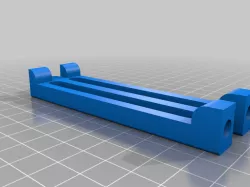
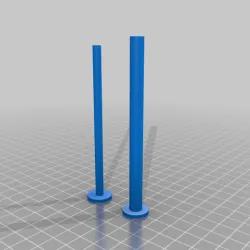
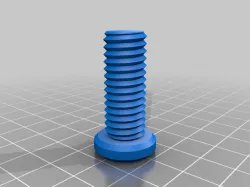
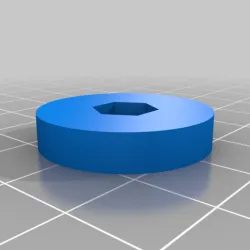
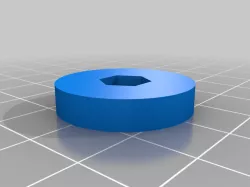
I liked the idea of an adjustable GPU support by TriPunk. However, M5 is a bit of an overkill in my mind and I had trouble with the original sizes - my M5 screws are probably non-standard as they were not coming through into 8.39mm pocket.
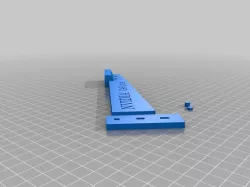
Since I have a full tower PC case, I was also thinking how to grow in height given limited printing plate size and not willing to print vertically, but rather go with a horizontal layout (11x6 cm) for a quicker print.
So I did a few modifications to the original design by TriPunk as follows:
1) replaced M5 with M4,
2) added placement sockets for 6mm (diameter) 3mm height magnets at the top and at the bottom, two magnets at the top and two at the bottom,
3) added legs and outdent at the top for extra stability when growing up,
4) added an indent at the bottom to allow the same stand to be stackable up.
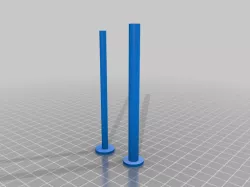
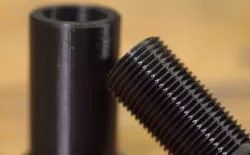
Both the stand and two support parts can be printed in one go horizontally. You may need to turn around the support part for better print layout.
As always, if you need different sizes, please take the Freecad file and modify it to your own liking.
Direct link to the original creator's page
Also Available On
More from petrvb
Similar Models
Model Specifications
Frequently Asked Questions
How do I download GPU Support adjustable?
Click the "View on thingiverse" button above to visit the original model page on thingiverse. You can download the STL file directly from the creator's page for free.
What 3D printer can I use for this model?
This STL file is compatible with most FDM 3D printers (Creality Ender 3, Prusa MK3S+, Bambu Lab, etc.) and resin printers (Elegoo, Anycubic). Check the original page for recommended print settings and materials.
Is this 3D model free to download?
Yes, this model is available as a free download on thingiverse. Some creators accept tips or donations.
Can I modify this STL file?
Most STL files can be modified using free software like Blender, TinkerCAD, or Meshmixer. Check the license on the original thingiverse page to see if modifications are permitted by the creator.