 thingiverse
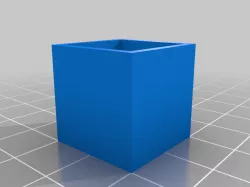
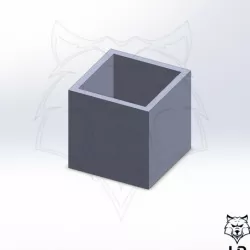
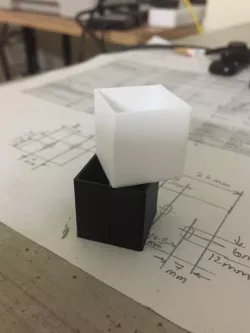
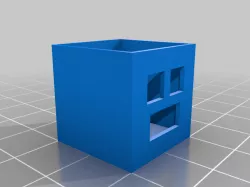
Flow Calibration Cube
This Cube is referenced in my Youtube E-step/Flow calibration video:
https://youtu.be/_v0PxaK7apI
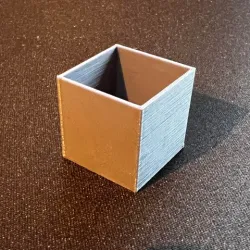
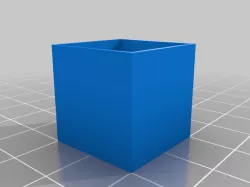
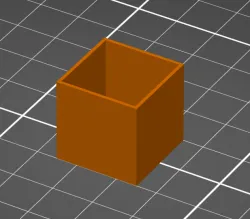
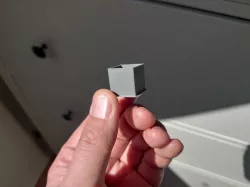
This is a very simple calibration cube, used to measure the thickness of all four walls.
I found this process from Tomb of 3D Printed Horrors (https://www.youtube.com/channel/UC5Lbnd97HV3rU98gcwHklzQ/featured)
There are two models, a cube with 0.8 thickness wall used to measure 0.4mm nozzles, and then a larger 1.6 thickness wall used to measure 0.8mm nozzles. The test would work as follows:
(0.4mm nozzle example in Cura)
-In your slicer make sure Wall Thickness is 0.8 and Wall Line Count is 2
-This will ensure that your cube will be printed with exactly 2 walls on each side (0.4mm nozzle = 0.4mm line width = 2 walls)
-Print your cube and then using calipers measure the thickness of each wall
-Each wall should measure 0.8mm thickness, if it does, you're done! If not, keep going
-Measure the thickness of each wall, then add them together and divide by 4 to get an average. We call this number 'X'
-Then divide the width of the model wall (0.8) we call this 'Y' by the average of all sides (X)
-Y / X = NEW FLOW %
I found this process is a great starting point but can also be built upon by using all the various flow settings in your given slicer.
Direct link to the original creator's page
Also Available On
More from printsleo3d
Similar Models
 cults3d
 prusaprinters
 thingiverse
 thingiverse
 thingiverse
 thingiverse
 thingiverse
 prusaprinters
Model Specifications
Frequently Asked Questions
How do I download Flow Calibration Cube?
Click the "View on thingiverse" button above to visit the original model page on thingiverse. You can download the STL file directly from the creator's page for free.
What 3D printer can I use for this model?
This STL file is compatible with most FDM 3D printers (Creality Ender 3, Prusa MK3S+, Bambu Lab, etc.) and resin printers (Elegoo, Anycubic). Check the original page for recommended print settings and materials.
Is this 3D model free to download?
Yes, this model is available as a free download on thingiverse. Some creators accept tips or donations.
Can I modify this STL file?
Most STL files can be modified using free software like Blender, TinkerCAD, or Meshmixer. Check the license on the original thingiverse page to see if modifications are permitted by the creator.