 prusaprinters
First Layer Calibration
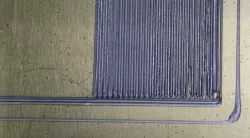
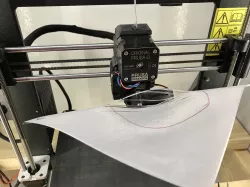
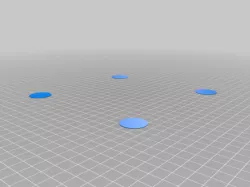
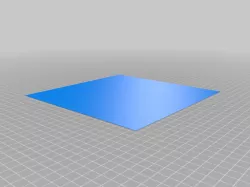
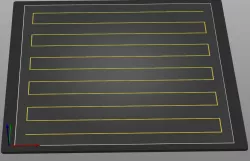
Video link:https://rumble.com/vb9fxr-3d-printer-first-layer-calibration-process.htmlThis is a 3 x 3 inch square used to help calibrate that oh so important first layer. This seems to be one of the most problematic asked about questions with new people to the 3d printer community. I decided to make a simple test part and video to show the process. Hope this helps!(( There's a already sliced file for a Prusa Mini/Mini+ ))((( Some have mentioned they need to run the calibration again when switching to a different material )))Print instructionsIf you can't use my gcode try to slice so it starts printing from the front and works backwards.I would change the "fill angle" to 0(zero).0.200mm layer heightPLA
Direct link to the original creator's page
Also Available On
More from gkmakeit
 prusaprinters
 prusaprinters
 prusaprinters
 prusaprinters
 prusaprinters
 thingiverse
Similar Models
 thingiverse
 prusaprinters
 prusaprinters
 prusaprinters
 thingiverse
 thingiverse
 prusaprinters
 prusaprinters
Model Specifications
Frequently Asked Questions
How do I download First Layer Calibration?
Click the "View on prusaprinters" button above to visit the original model page on prusaprinters. You can download the STL file directly from the creator's page for free.
What 3D printer can I use for this model?
This STL file is compatible with most FDM 3D printers (Creality Ender 3, Prusa MK3S+, Bambu Lab, etc.) and resin printers (Elegoo, Anycubic). Check the original page for recommended print settings and materials.
Is this 3D model free to download?
Yes, this model is available as a free download on prusaprinters. Some creators accept tips or donations.
Can I modify this STL file?
Most STL files can be modified using free software like Blender, TinkerCAD, or Meshmixer. Check the license on the original prusaprinters page to see if modifications are permitted by the creator.