 thingiverse
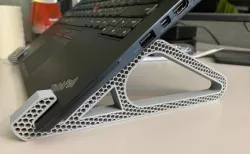
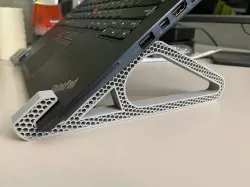
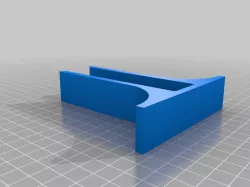
computer stand
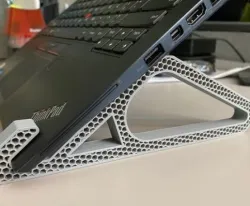
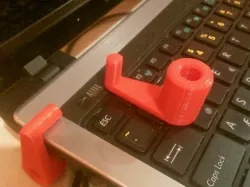
I shortened the front tabs because the laptop really only uses the first little bit to hold in place, the rest is wasted space and making them shorter allowed for easier insertion/removal. I also dropped some unneeded material by dropping in some empty space. I used (3) 1/8" metal or plastic rods to connect the two sides (fits perfectly in the hex infill) and then some rubber feet for the bottom to keep things from sliding.
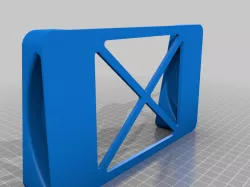
I've also included a cut-down version of the stand without any rear support. Only use if your laptop is front-heavy.
Printer brand:
Prusa
Printer:
i3 MK2S
Rafts:
No
Supports:
No
Resolution:
.20
Infill:
20%
Filament brand:
GENERIC
Filament color:
Whatever Floats Your Boat
Filament material:
PLA
Direct link to the original creator's page
Also Available On
More from bettorap
Similar Models

Model Specifications
Frequently Asked Questions
How do I download computer stand?
Click the "View on thingiverse" button above to visit the original model page on thingiverse. You can download the STL file directly from the creator's page for free.
What 3D printer can I use for this model?
This STL file is compatible with most FDM 3D printers (Creality Ender 3, Prusa MK3S+, Bambu Lab, etc.) and resin printers (Elegoo, Anycubic). Check the original page for recommended print settings and materials.
Is this 3D model free to download?
Yes, this model is available as a free download on thingiverse. Some creators accept tips or donations.
Can I modify this STL file?
Most STL files can be modified using free software like Blender, TinkerCAD, or Meshmixer. Check the license on the original thingiverse page to see if modifications are permitted by the creator.